Android 14 is here: Update your app by August 31st! + other app news

Welcome to our update on all things Median! In this edition, we’ll fill you in on an important update you’ll need to make to your Android app. Plus, we’ll highlight new product and plugin features we’ve added to the Median app building experience. Let’s go!
Don’t be late! It’s time to update!
Android 14 is here! That means it’s time to update your Android app built with Median to remain compliant with Google Play policies. What are your next steps? Let’s break it down in a quickfire FAQ:
Q: What's happening?
A: Google is releasing Android 14 and requiring all apps in the Google Play Store be updated to support a Target API of version 33 (Android 13 and above).
Q: What's the deadline and what happens if I miss it?
A: Google requires all apps be updated by August 31, 2023. Apps that are not updated will not be available for download from the Google Play Store.
Q: What do I need to do?
A: Fortunately, by building your app with Median, we’ve taken care of all the heavy lifting! All you need to do to keep your app compliant and compatible is to simply rebuild your app on our platform and publish the update to Google Play.
Q: Can you do this for me?
A: Yes of course! If you need help publishing just add our App Store Publishing service or get in touch and our team will manage the Google Play submission and approval process.
Q: Does this mean my updated app will no longer work on older devices?
A: Android API terminology can be confusing, we know! The short answer is “No.” Your updated Android app will function on Android versions 5.0 and above. We do the extra work to maintain support for older versions for customers who need to continue to support older devices.
Q: Where can I get more information?
A: You can read Google’s deep dive by visiting this link. Or, if you have questions about how to update your Android app (and more), ask us in our Support Portal.
Exciting new additions to your Median experience
Android isn’t the only one making updates and upgrades — we’ve been hard at work, too! When you access your Median app via the App Builder, you may notice that some things look a little different (in a good way).
That’s because we’ve been adding new functionalities and improving our products across the board — and we’re excited to share what we’ve been up to.
NEW: Custom navigation buttons
Add your own branded icons for native navigation buttons in addition to support for FontAwesome and Material icon libraries. 👇
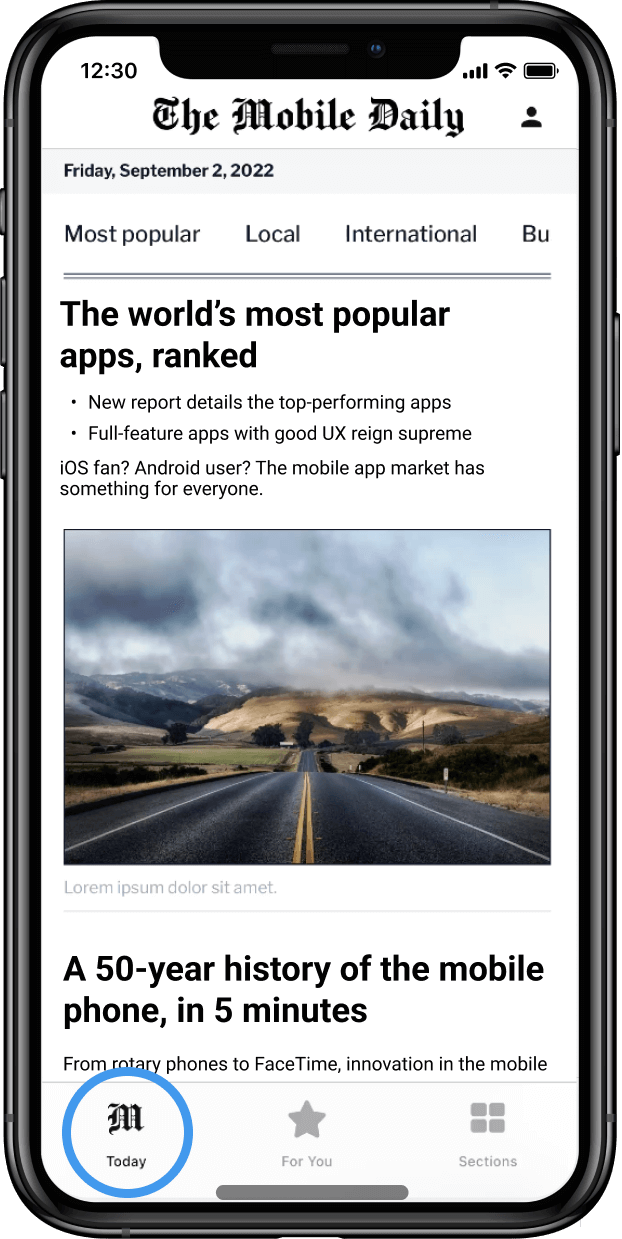
NEW: Enhanced splash screen experience
See improved support for the dark mode launch-screen-to-app transition, avoiding the ‘white flicker’ between launch screen and web content. 👇
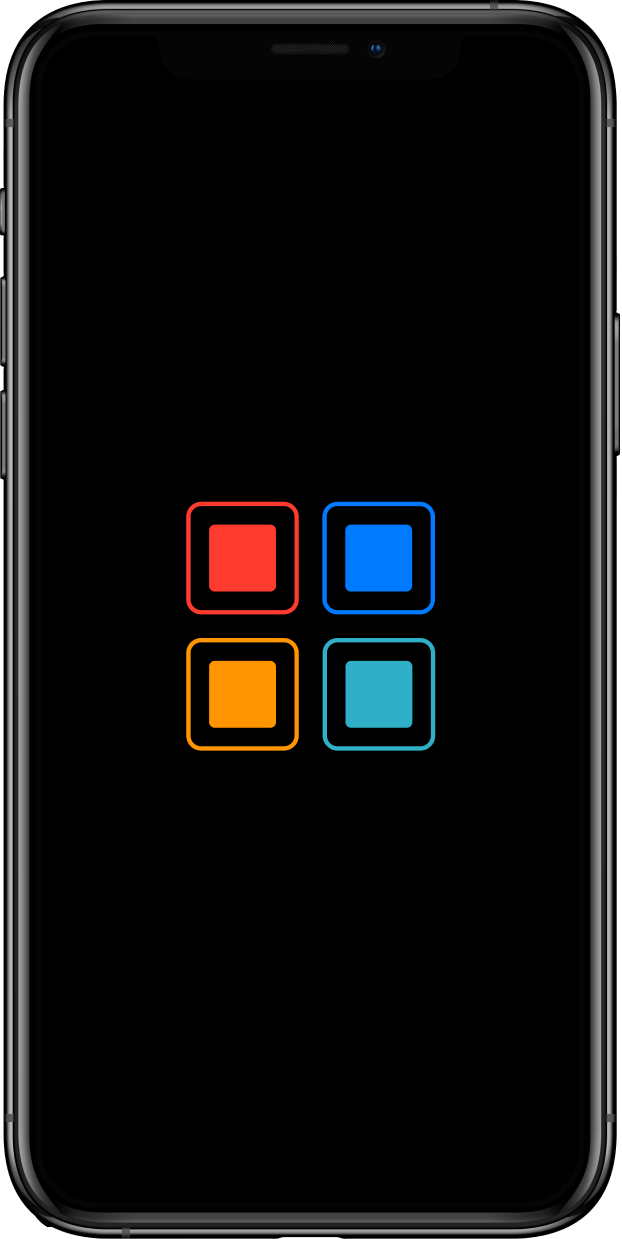
Dive into developer-first updates
For all the hands-on developers out there, we’re excited to share a robust list of updates that you can use to optimize and customize your app:
Improved support of blob:// url downloads and automatic handling of files based on content-type
Improved support for Android downloads: Manage your Android downloads with a new Android file picker and download manager
Improved support for sharing URL with a text description to other external apps
Improved web console logs for debugging
Custom iOS camera permission management
Improved Android location permissions
Improved swipe gestures
New functionality to monitor keyboard status
New app resumed callback to refresh page content when your app is opened from the background
Make the most of these powerful plugin updates
Have you already made the smart move of building a full-feature native app by adding powerful plugins? Then you’ll probably want to know about some exciting updates to our proprietary and third-party plugins. Notable ones include:
OneSignal

OneSignal App logo
Silence the display of notification banners when your app is open.
Send data to your app via the push notification payload.
Google AdMob
Google AdMob Logo
We now offer support for the latest advertising changes on iOS and Android.
PLUS: We also have updates for the following popular plugins:
Biometric Authentication: New support for weak biometrics
Native Media Player: Improved support for the latest lock screen functionality
Secure Modal: Support for Android via Chrome Custom Tabs
Auth0: Support for the latest Auth0 SDK
In-App Purchases: Support for the latest Google Play Billing Library 6
Background Location: Support for foreground location permission
Got questions?
We’re here to help you make sense of all things mobile. Have specific questions? Check out our Documentation or get in touch with us here.

to top
Related articles